
Delete Your Account
Learn how to delete your account and understand what data will be affected or retained.
How to Delete Your Account
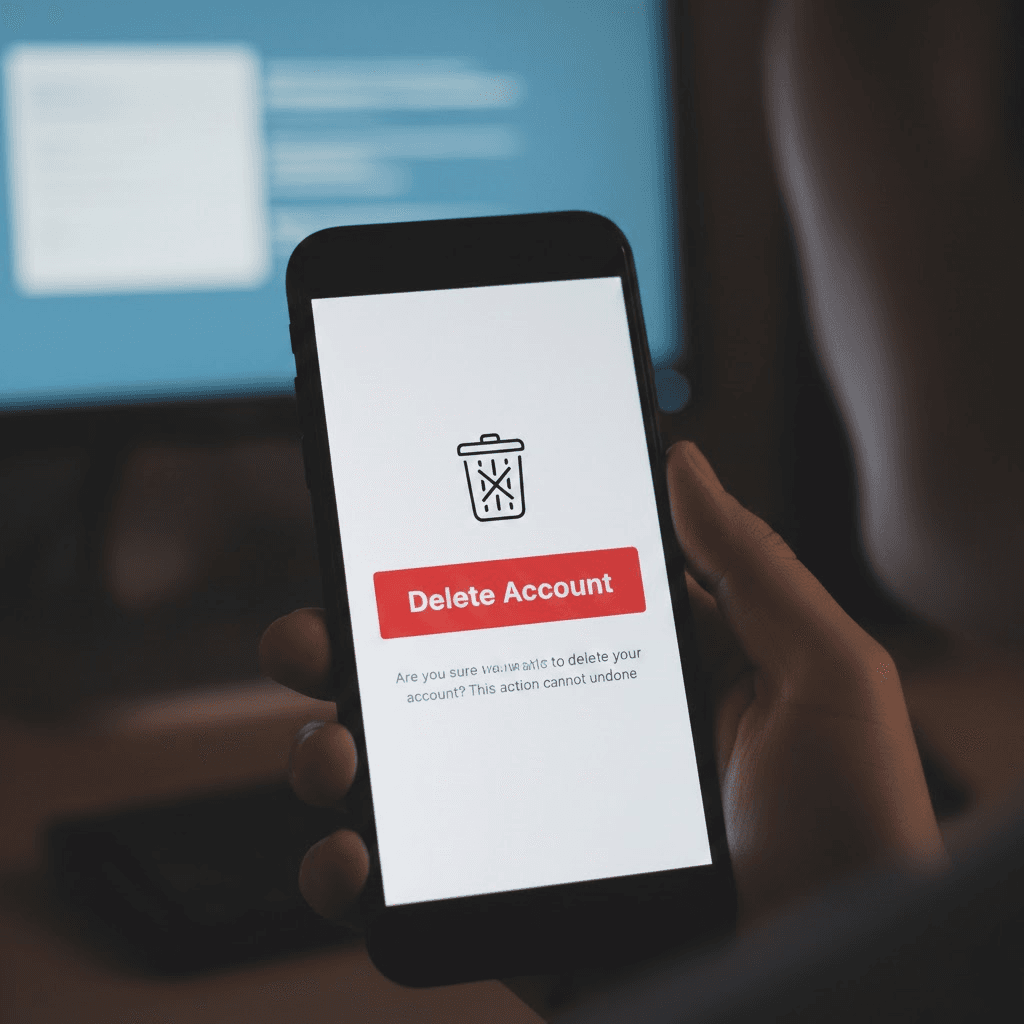
You can delete your account directly from the RideFizz mobile application:
- Open the RideFizz app.
- Log in to your account.
- Go to Dashboard.
- Click on “Delete Account”.
- Confirm your request.
What Data Will Be Deleted
- Profile information
- Booking and ride history
- Saved addresses
- In-app messages
- Preferences and settings
What Data May Be Retained
Certain information may be retained for up to 90 days for:
- Legal compliance
- Fraud prevention
- Regulatory obligations
Important Information
- Deletion is permanent
- Active bookings will be cancelled
- You will lose access to services
- Promotional emails will stop
Related Policies
Please review our Privacy Policy for more details about how we manage data.
View Privacy Policy →Need Help?
If you experience any issues, please contact our support team:
ridefizzs@gmail.com